 Car Cinema
Your films and TV in the car
Car Cinema plays your own playlists, live TV, media servers and files. Listen through the car on the road, watch on the car’s display while you’re parked where your car supports it, or send it to a TV at home.
- Free to try
- No account
- 22 languages
- No ads, no tracking
Video on the car’s display is for parked cars and passengers. On the road Car Cinema keeps playing the sound.
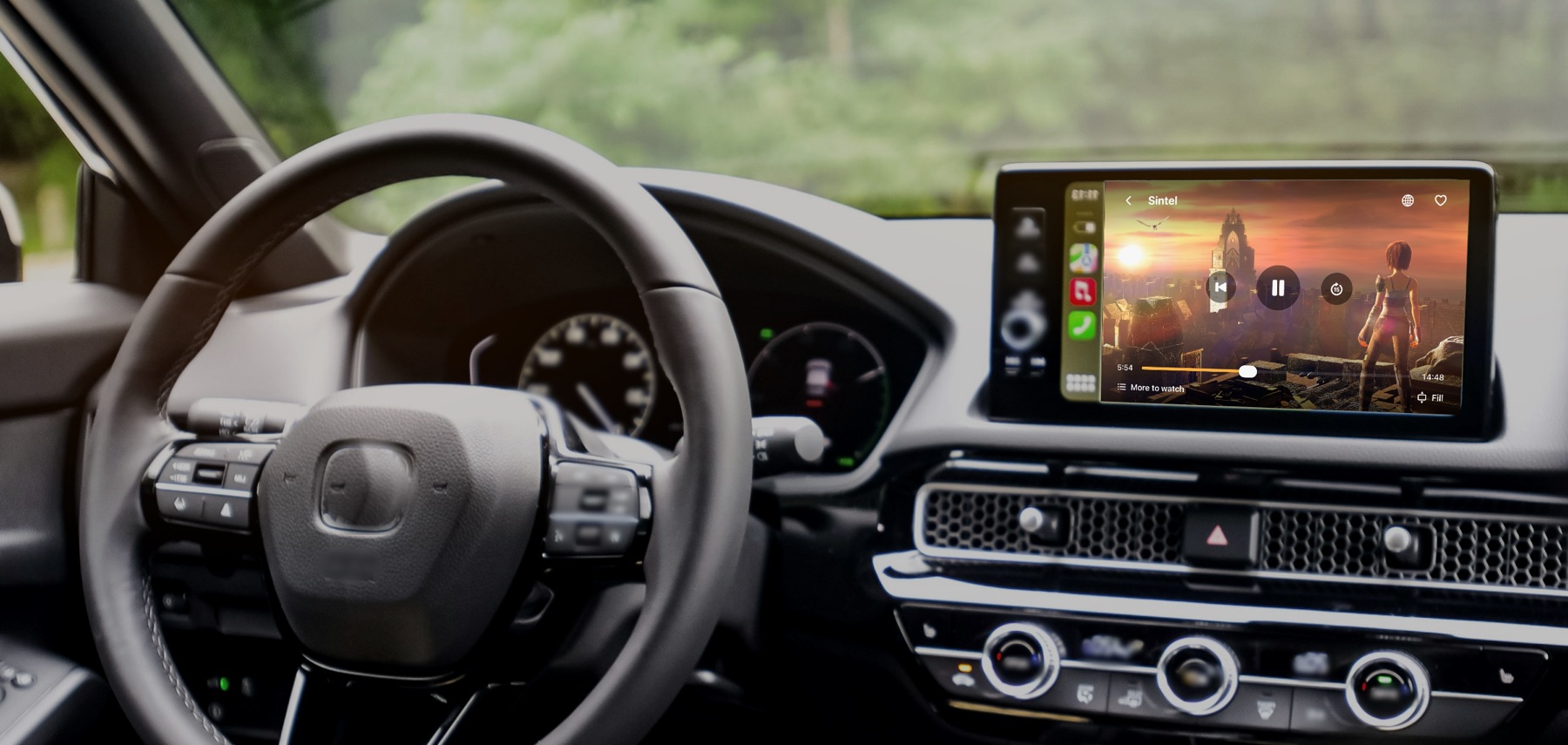
Before you buy: not every car shows video
Films appear on the car’s display only in cars that support video in CarPlay, and only while parked. In most cars today Car Cinema plays the sound and shows your lists. The app tells you which kind your car is.
Everything you watch, one player
Bring your own sources. Car Cinema ships with no channels or films of its own.
Live TV and playlists
M3U and M3U8 links, files and text, Xtream logins with live channels, films and series, plus the TV guide.
Jellyfin and Emby
Sign in to your media server and play your library, with the episode you stopped at ready to continue.
Your own files
Films and music from the Files app, and any MP4 or HLS link you paste.
A browser that finds video
Open a site and Car Cinema lists the videos it finds on the page. Tap one to play it in the player.
Cast from other apps
Car Cinema works as a DLNA receiver: send a video to it from another app on your iPhone or your Wi-Fi.
Plays the hard formats
WebM, VP9 and DASH streams that iPhone can’t play on its own are converted on the device as they play.
Made for CarPlay
Your lists, favourites and live TV on the car’s screen, with the car’s controls and the steering wheel buttons.
Speed, tracks, subtitles
Pick the audio language and subtitles, skip 15 seconds either way, and change the playback speed.
Private by design
No account, no analytics, no ads. Your playlists, favourites and history stay on your iPhone.
Built for the parking spot
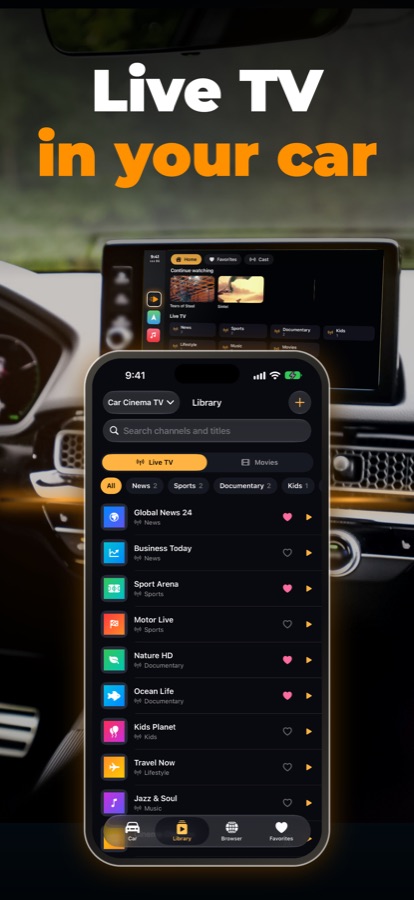
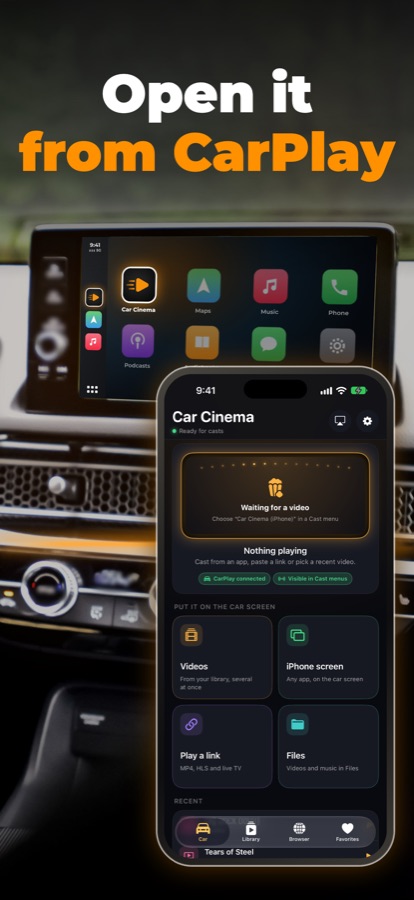
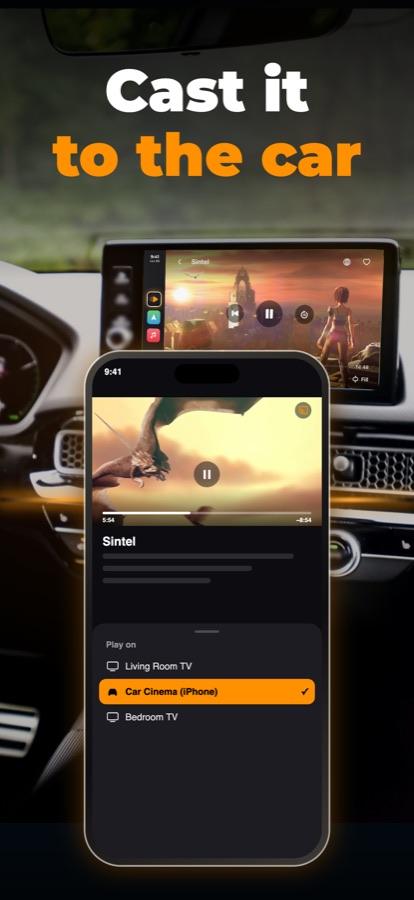
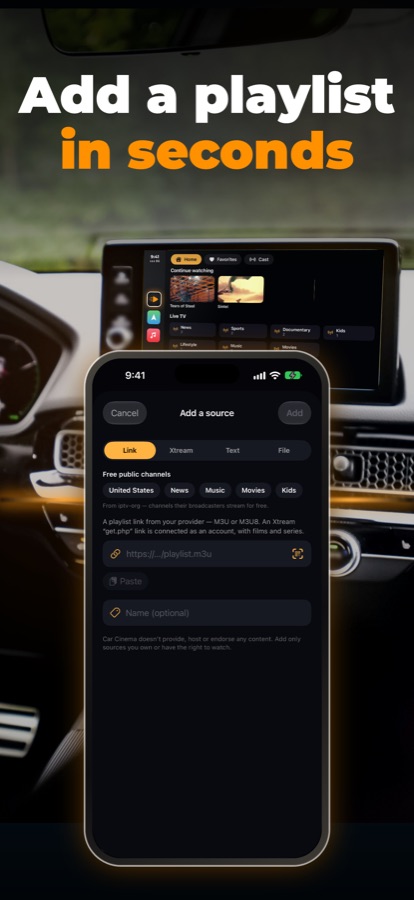
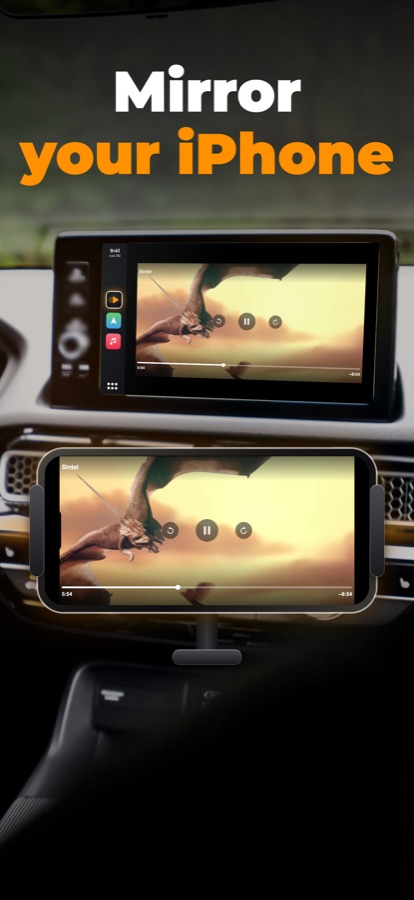
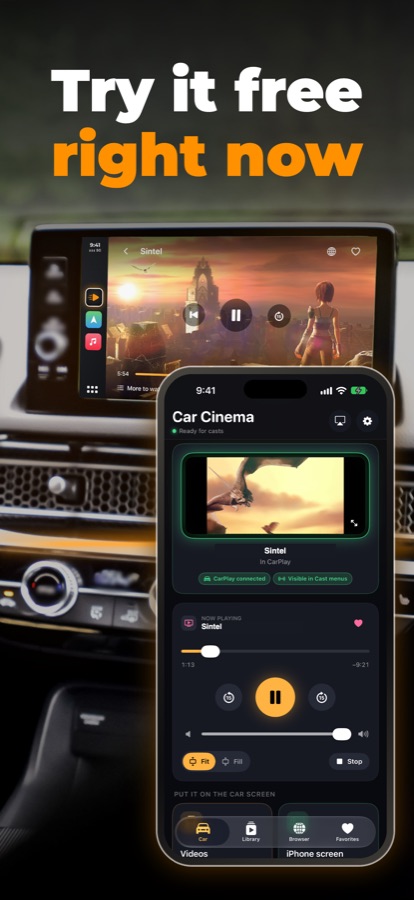
Three steps to the first film
Add your source
Paste a playlist link, sign in to Xtream, Jellyfin or Emby, or pick files. It takes a few seconds.
Connect CarPlay
Car Cinema appears on the car’s screen with your lists. Pick a channel there or on the iPhone.
Park and watch
In a car that supports video in CarPlay, the picture shows on its display while you’re parked. Everywhere else the sound plays through the car.
Free to try. Pro to keep watching.
Every new install gets 30 free minutes of playback, on the iPhone or in the car. After that, pick a plan in the app. Payment, renewal and cancellation go through your Apple account.
- Unlimited playback on iPhone, in the car and on TV
- Monthly, yearly or a one-time purchase
- Restore on any iPhone signed in to the same Apple account
- Library, favourites and settings stay free
What your car can show
Whether video appears on the car’s display depends on the car and on iOS, not only on Car Cinema. Check it in the app: Settings → Cars and compatibility.
Updated 22 October 2026 · Full compatibility notes
Questions people ask
Does Car Cinema come with channels or films?
No. Car Cinema is a player. You add your own sources: a playlist from your TV provider, your Jellyfin or Emby server, files on your iPhone, or links you have the right to watch.
Will I see video on my car’s display?
Only in cars that support video in CarPlay, and only while parked. In every other car Car Cinema shows your lists on the car’s screen and plays the sound. The app tells you which kind your car is before you pay. See the compatibility notes.
What changed with iOS 27.2?
From iOS 27.2, Apple shows video on a car’s display only in cars that support video in CarPlay. In other cars, apps like Car Cinema play the sound and show lists. We keep the compatibility page up to date as cars and iOS change.
Where do I get a playlist or a server?
From the TV service you subscribe to, which usually gives an M3U link or an Xtream login, or from your own Jellyfin or Emby server at home.
Which formats play?
HLS, MP4 and MOV, and also WebM, VP9 and DASH streams, which Car Cinema converts on the device as they play. Films protected with DRM, such as Netflix or Disney+, can’t be played.
How does the free trial work?
There’s no time limit to start: every install gets 30 minutes of playback. When they run out, a plan in the app keeps it playing. Your library and settings stay open either way.
I bought Pro on another iPhone. How do I get it back?
Open Settings in Car Cinema and tap Restore purchases, signed in to the same Apple account.
Is it safe to watch while driving?
No. Video on the car’s display is for parked cars and passengers. The law in many countries forbids a screen showing video in the driver’s view while the car moves.